Upcoming Webinar: “Inside the Decision: Springfield Technical Community College on Choosing an AI Simulation Platform” calculating…

Register
Products
PCS Platform

One Complete Hardware Kit

For Every In-Center Training Setup

Wherever your simulation program trains in person, SimVox Ultra brings an AI-powered virtual patient to a manikin, a task trainer, or a rolling touchscreen to an exam room.
What is SimVox Ultra?
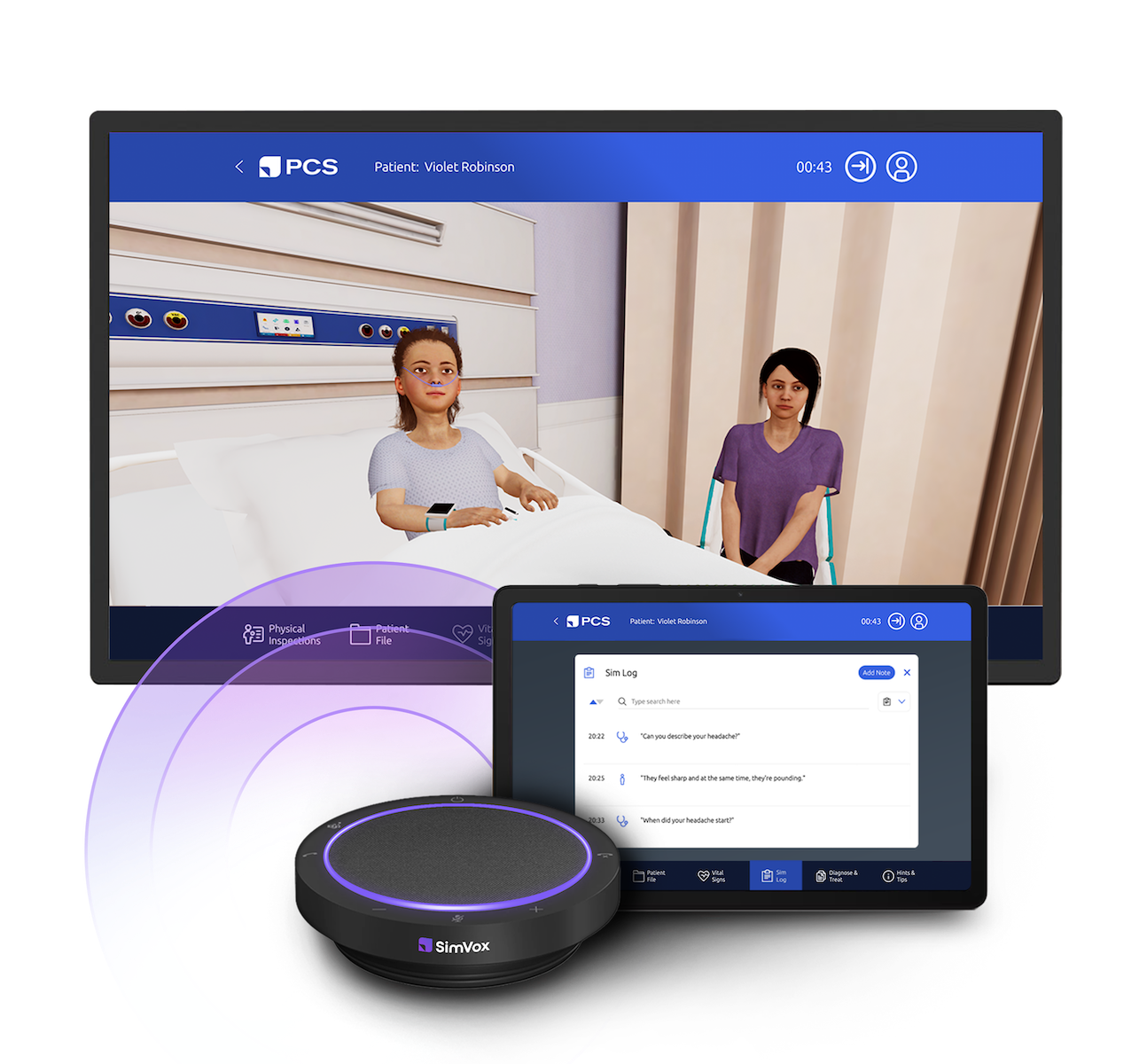
SimVox Ultra is the complete hardware tier for in-center simulation. It includes the SimVox speaker, tablet, and rolling touchscreen display, giving your program the flexibility to bring an AI-driven patient into any training space.
Any-Fidelity Manikins

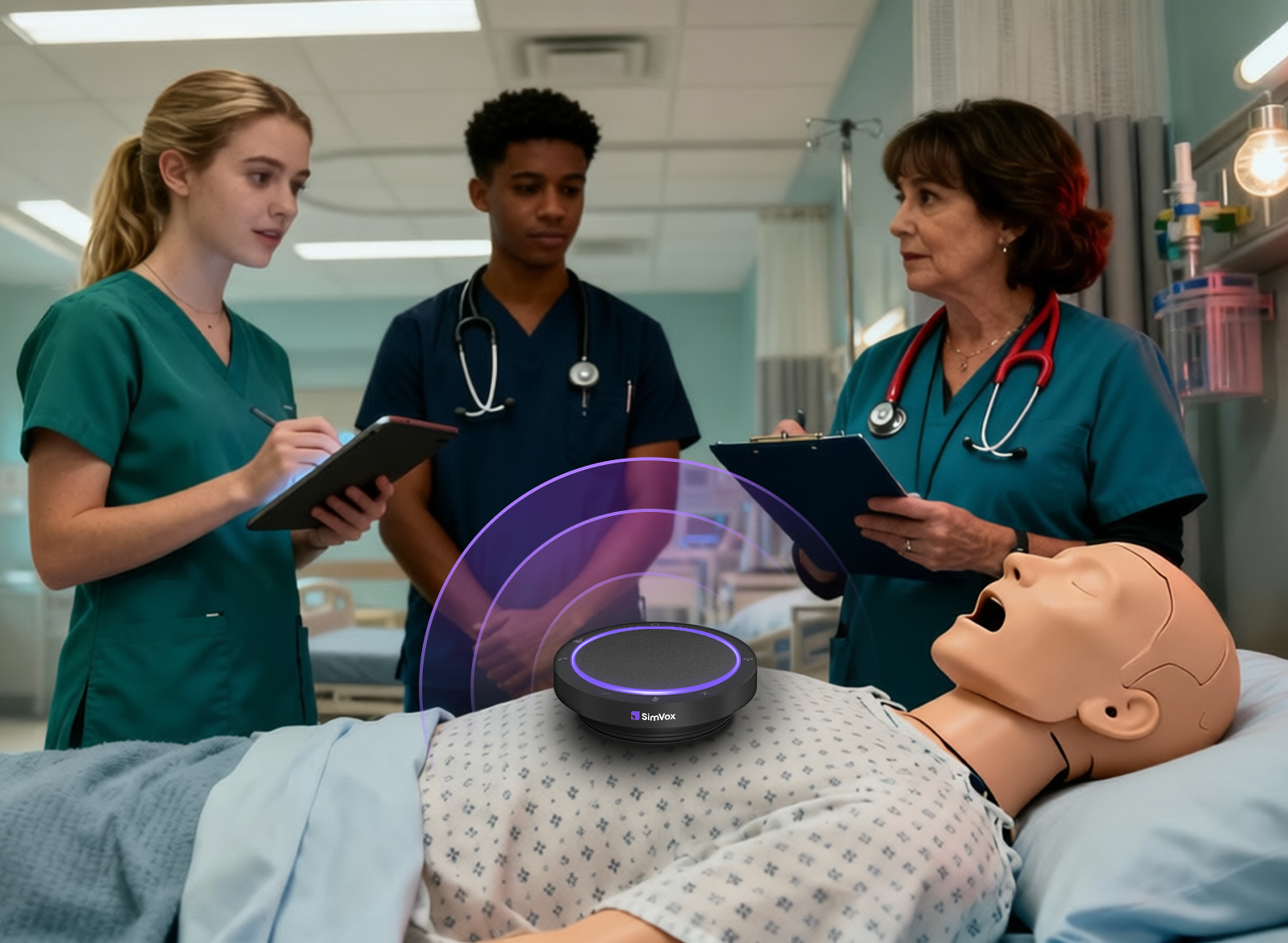
The SimVox speaker works with any manikin your program already has, from low-fidelity to high. Learners get a realistic, AI-driven patient encounter without requiring new hardware.
Any Exam Space

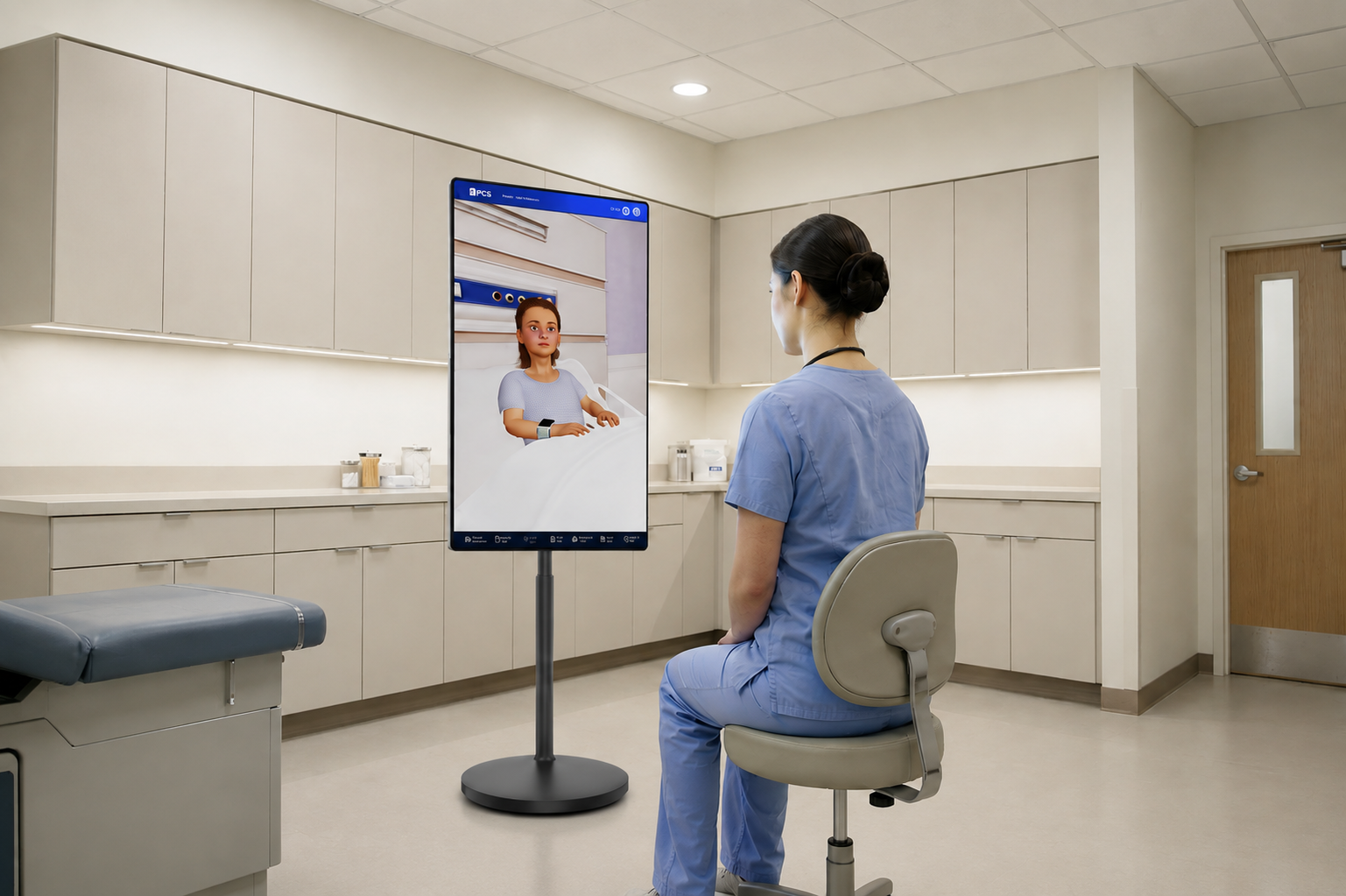
The rolling touchscreen display brings a face-to-face patient encounter to any dedicated space in your center, no manikin required. Wheel it into a clinical exam room, or wherever your program needs it that day.
Any Quiet Corner

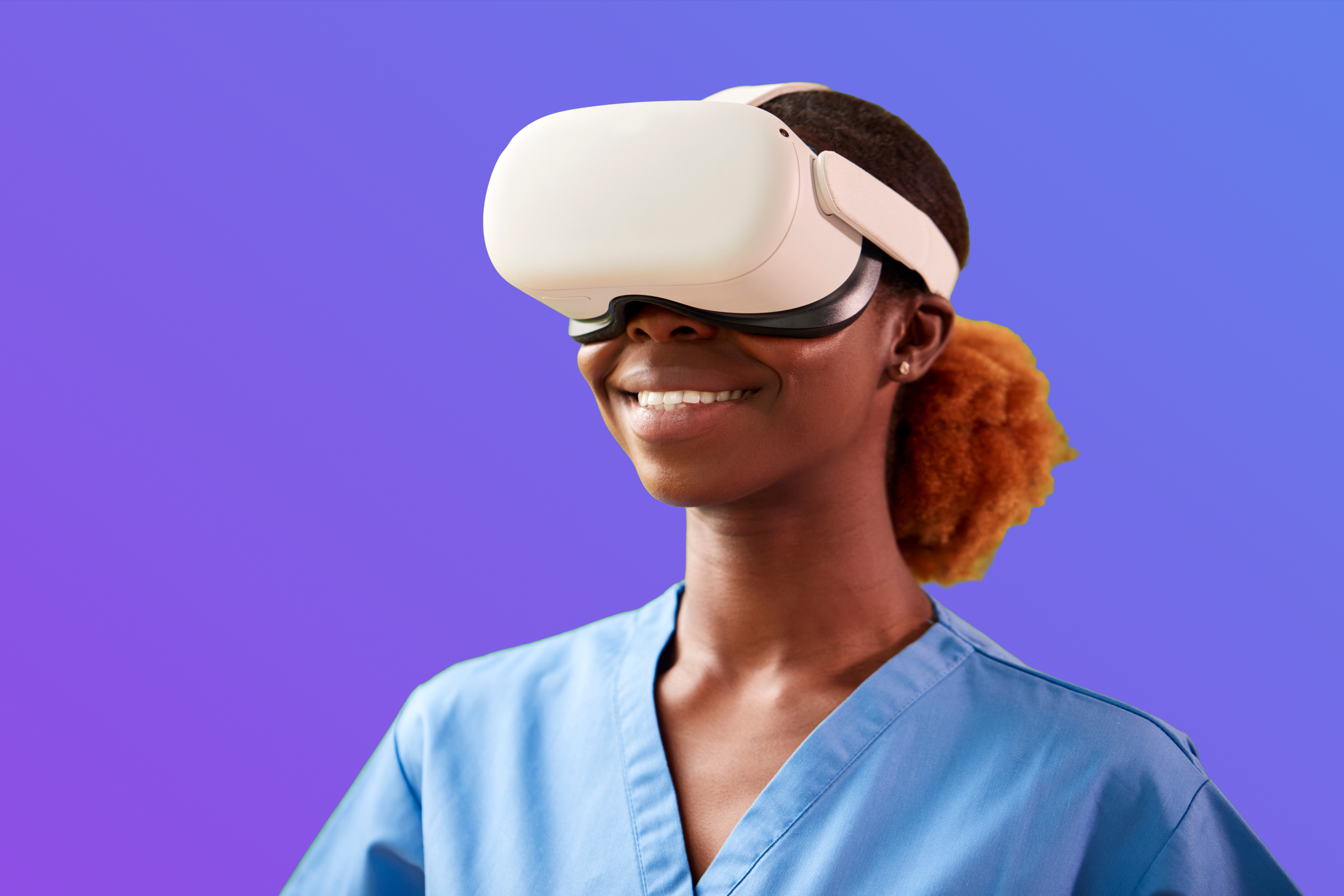
Bring your own Meta Quest VR headset for a fully immersive patient encounter without a manikin or dedicated room. All it takes is a quiet corner of your center for students to step into a lifelike, AI-driven encounter.
Why SimVox Ulta
An Even Higher Fidelity Simulation, However Your Program Trains — In Your Center.
Deeper Realism
Whether through natural conversation, a face-to-face touchscreen encounter, or full VR immersion, SimVox Ultra adds a new layer of realism to every simulation, better preparing students for real-world patient encounters.

Complete Flexibility
One SimVox Ultra license includes the speaker, tablet, and rolling touchscreen display, giving your program the flexibility to run a range of encounters without investing in separate systems.
Smarter Resource Use
SimVox Ultra works with the manikins and task trainers your program already owns, and extends training into any dedicated space with the rolling touchscreen or VR headset.

Stronger Clinical Outcomes
SimVox aids learners in developing effective provider-patient communication, which means positive outcomes for patient safety, satisfaction, and adherence.
Meet SimVox Ultra
Only SimVox Ultra brings a virtual patient to a speaker, a touchscreen, or your own VR headset. Hear it, see it, step into it.

Setting Up the Touchscreen
Designed for Educators, Not IT Departments
From power-on to patient encounter in minutes. Connect to Wi-Fi, open a browser, and you're running your first scenario.
Tech Specs
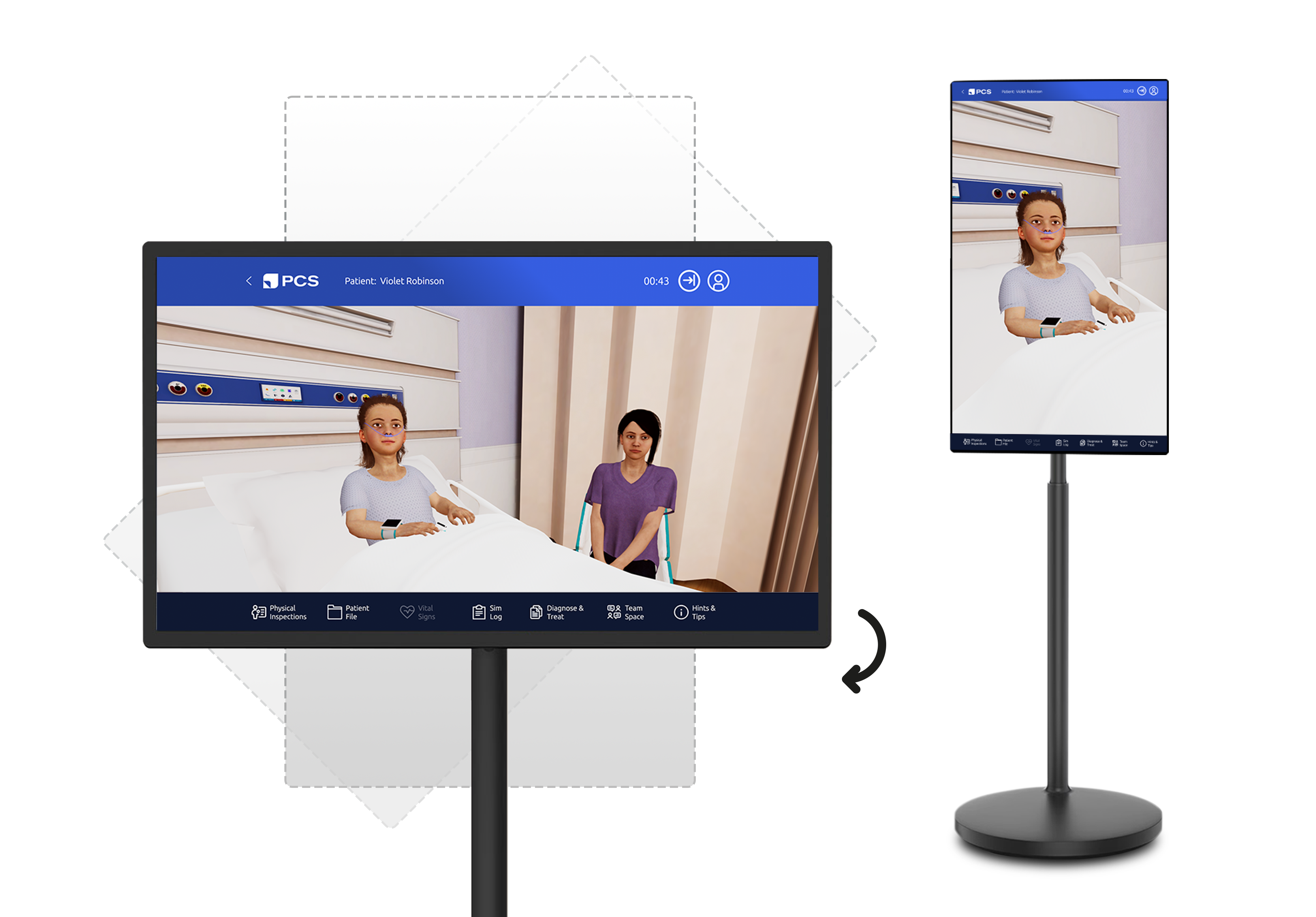
32" IPS LCD touchscreen, mounted on a portable, wheeled stand
Rotates between portrait and landscape orientation
1080p FHD to 4K UHD resolution
Octa-core processor with 8GB RAM and 128GB storage
Built-in battery, lasting 4–6 hours per charge
Follow these six steps to get started.
1
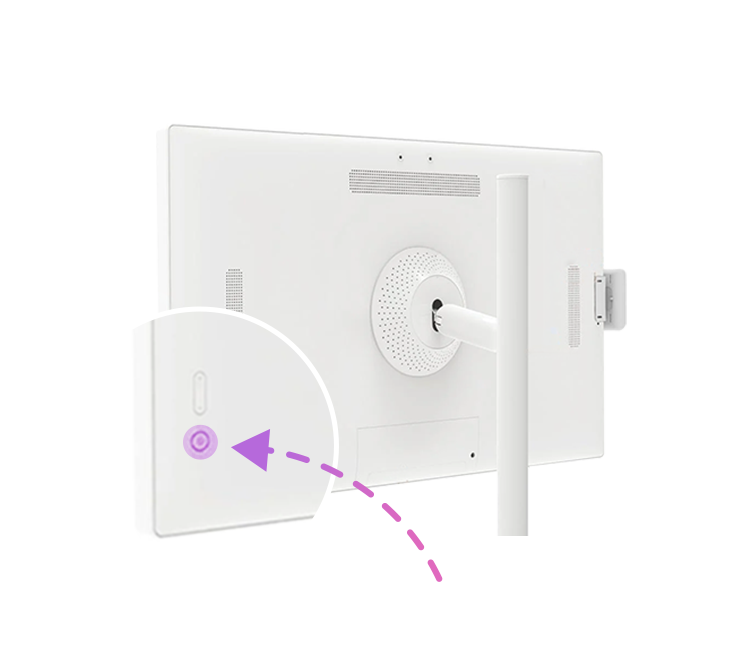
Turn on the Touchscreen display
2
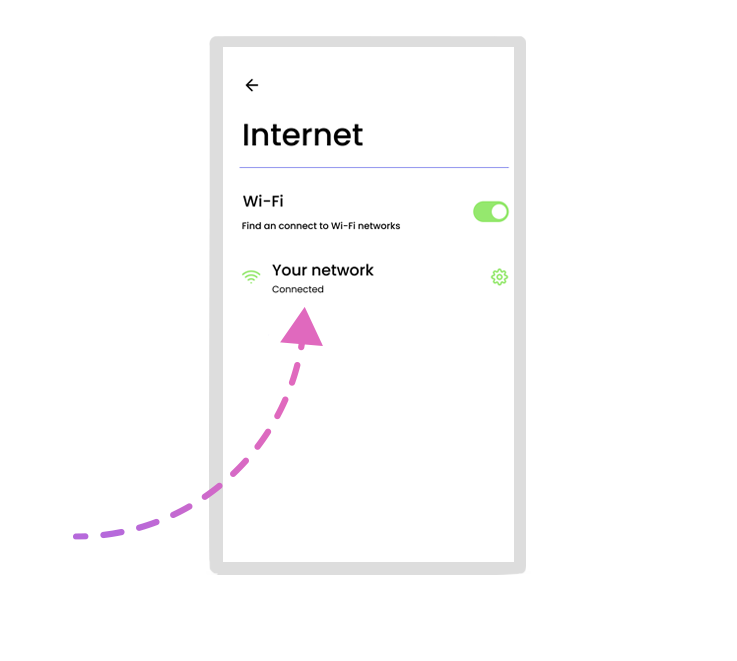
Connect your Touchscreen display to the Internet by opening settings and selecting your network.
3
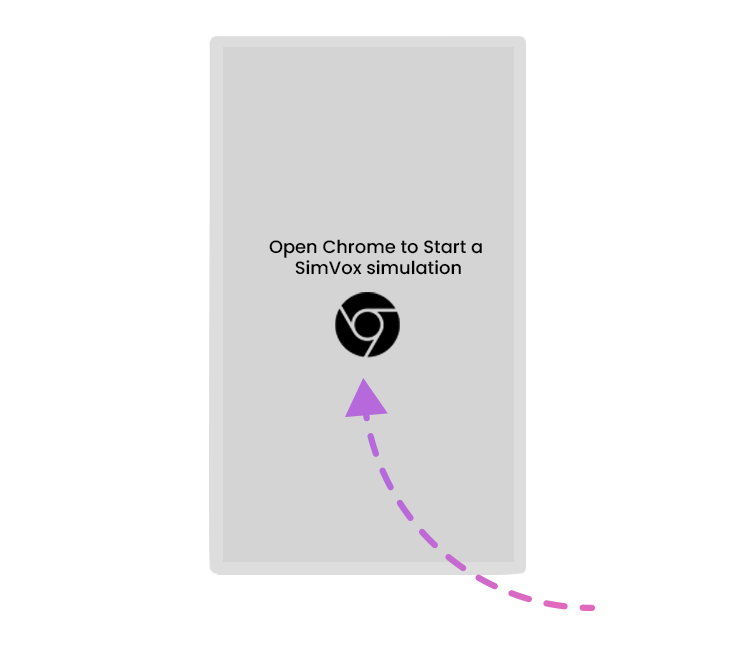
Open Google Chrome and tap on the Homepage icon at the top.
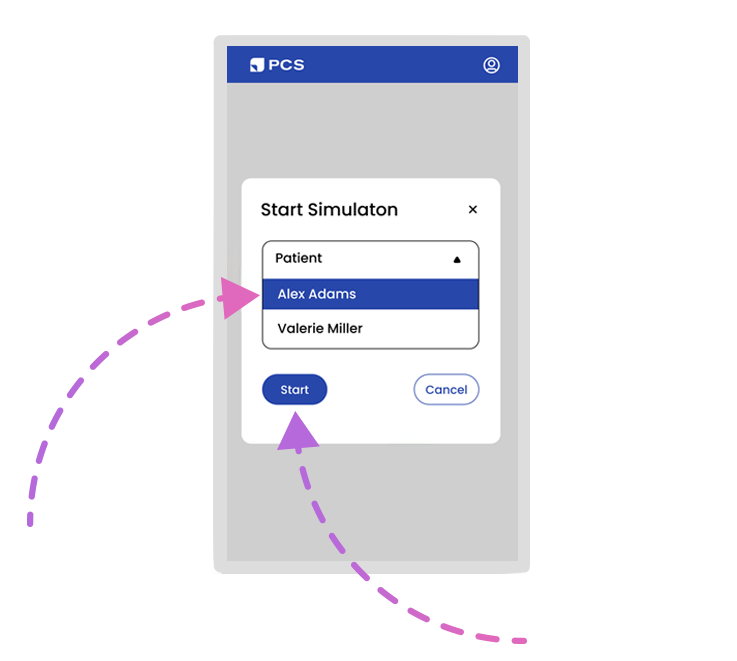
4
Select which scenario you want to run, and click "Start".
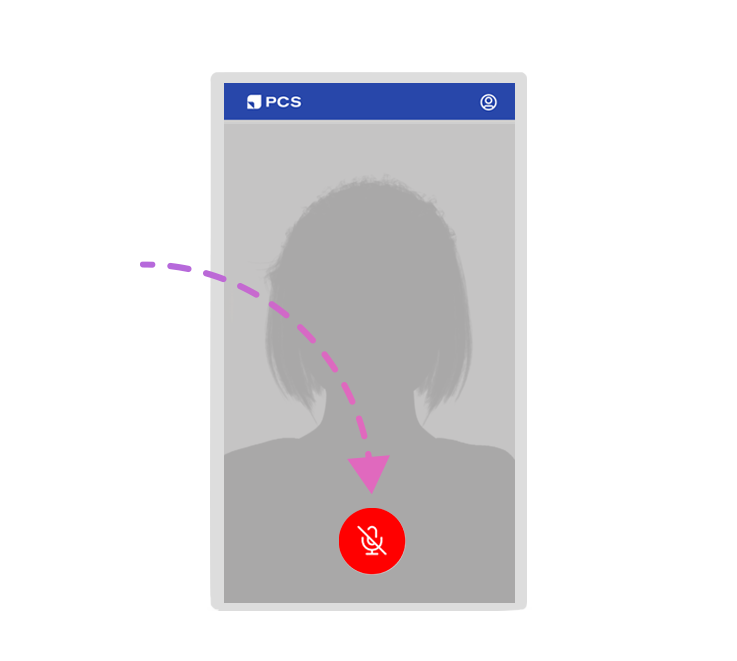
5
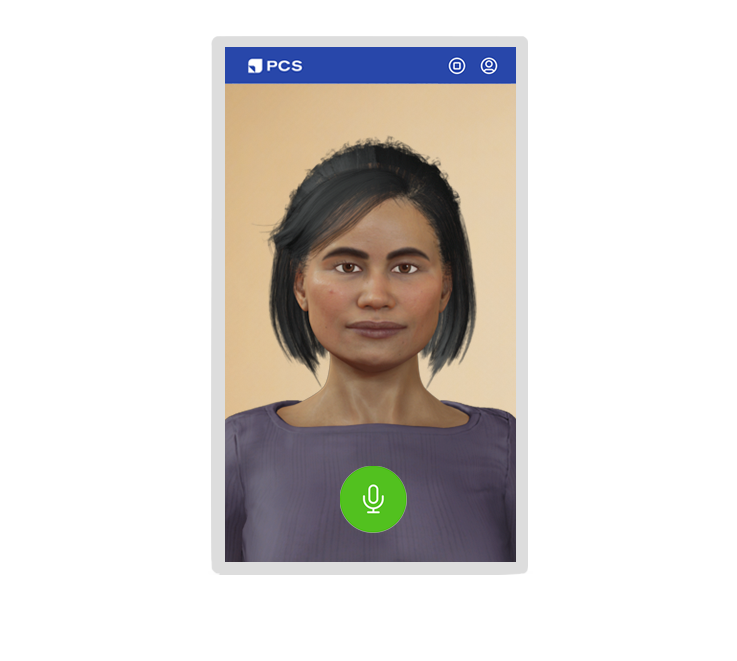
Press the red microphone button in the center of the screen.
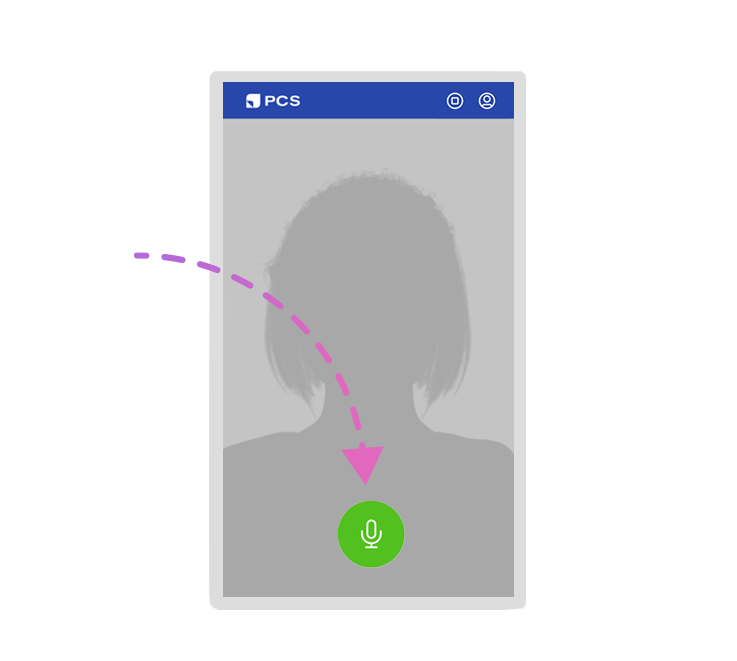
6
Once the microphone is green, you can begin conversing with the patient!
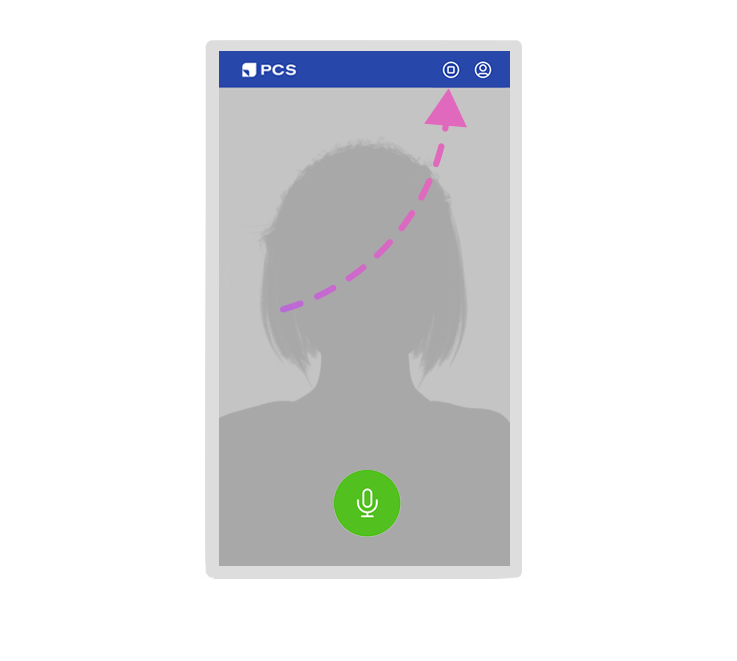
7
Press the stop button in the top right corner to end the simulation.
8
That's all you need to get started!
FAQs
It’s a one time purchase that includes 5 years of access, which includes service, hardware, and software updates. Connect with sales@pcs.ai as prices vary by service level and country.
Yes, with SimVox Ultra administrators can easily create a simulation scenario by providing a brief summary of the patient’s health. By describing the patient in a few paragraphs, AI/Speech will generate a persona and adapt its responses to fit the role, using the appropriate tone, expertise, and communication style. Scenarios can be quickly duplicated and customized with just a few clicks.
No. One SimVox Ultra license lets you choose which piece of hardware runs the patient at a time. The speaker, touchscreen, and VR headset can each be used independently, but not simultaneously.
Connect with sales@pcs.ai to be connected with your country's distributor.
Yes! The SimVox speaker can be placed adjacent to ANY simulator, manikin, or task trainer enabling your simulator to respond to your learners' patient assessment questions.
Yes. SimVox Ultra's rolling touchscreen display delivers a full patient encounter without a manikin, in any dedicated space in your center. If your program already owns a Meta VR headset, that works too, for full immersion. The SimVox speaker is also portable enough to use on its own, wherever the simulation is taking place, like a classroom, as long as you have internet connectivity.
All three tiers include the SimVox speaker, tablet, and PCS Cloud Connectivity. Lite includes 12 scenarios with standard voices and basic scenario customization. Pro expands to 56 scenarios, AI/Voices™, and advanced scenario authoring tools. Ultra includes everything in Pro, plus the TouchStation hardware kit and priority customer service. Ultra also supports full VR immersion if your program already owns a Meta Quest headset.
Yes. SimVox Ultra includes ongoing onboarding and training support, not just a one-time setup session, so your simulationists have help whenever they need it, not just when you first get started.
Still have questions?
Every question moves us forward—we’re in this together.
What our customers say
“SimVox allows you to turn any lower or mid fidelity simulation into a higher fidelity simulation in terms of communication with the patient.”
“SimVox actually enhanced the experience for the students. One of the hardest parts for our nursing students is talking to the patient. Now, when they go to the hospital, they feel more confident. They know the skill, now they know what to say to the patient when they walk into the room.”
“Don’t get rid of your low fidelity sims just yet, do this [add a SimVox] instead.”
“Students emerge from their training with increased confidence in their abilities, better prepared to navigate the challenges they will encounter in their future careers as healthcare professionals.”
"I'm a big fan of the SimVox product. SimVox served as the voice of a mother who needed to ask learners specific questions about vaccines and her infant's care. The system was easy to use and added a realistic communication element to the scenario."
"Our OB faculty are already using it for prenatal assessments, and the students absolutely loved it — a nice realistic addition to the manikins they had typically worked with. The faculty really got to see what it can do and they LOVE it."
"SimVox has become my assistant to sim. It takes over the voicing so I can be the facilitator instead — and I think it does a better job than I did honestly. It's the easiest piece of equipment I've incorporated to date."